
ERPT - How to edit section 2 (John)
Sep 16, 2026●
2
Click on "Key Contact Information"
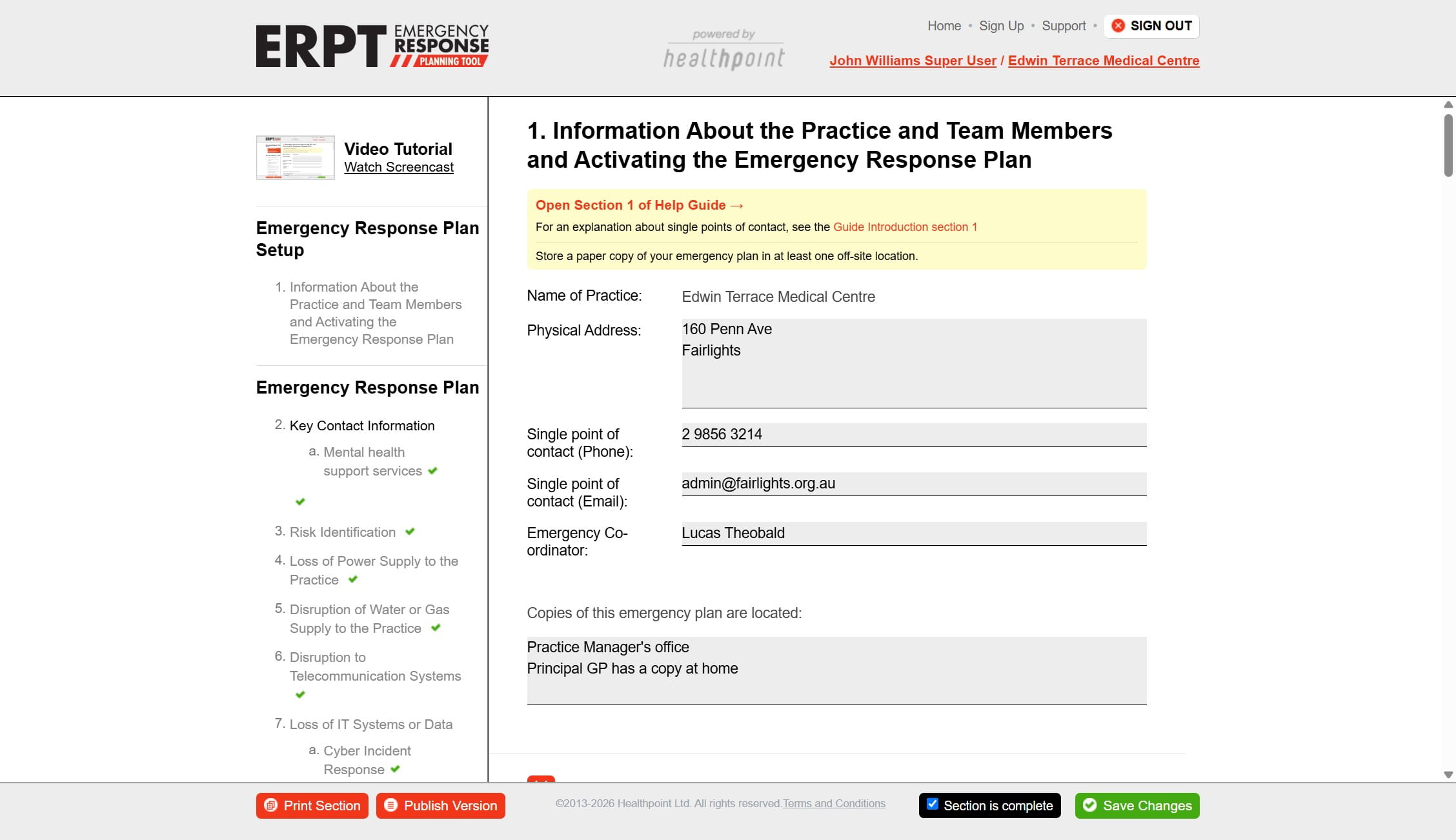
3
Click here
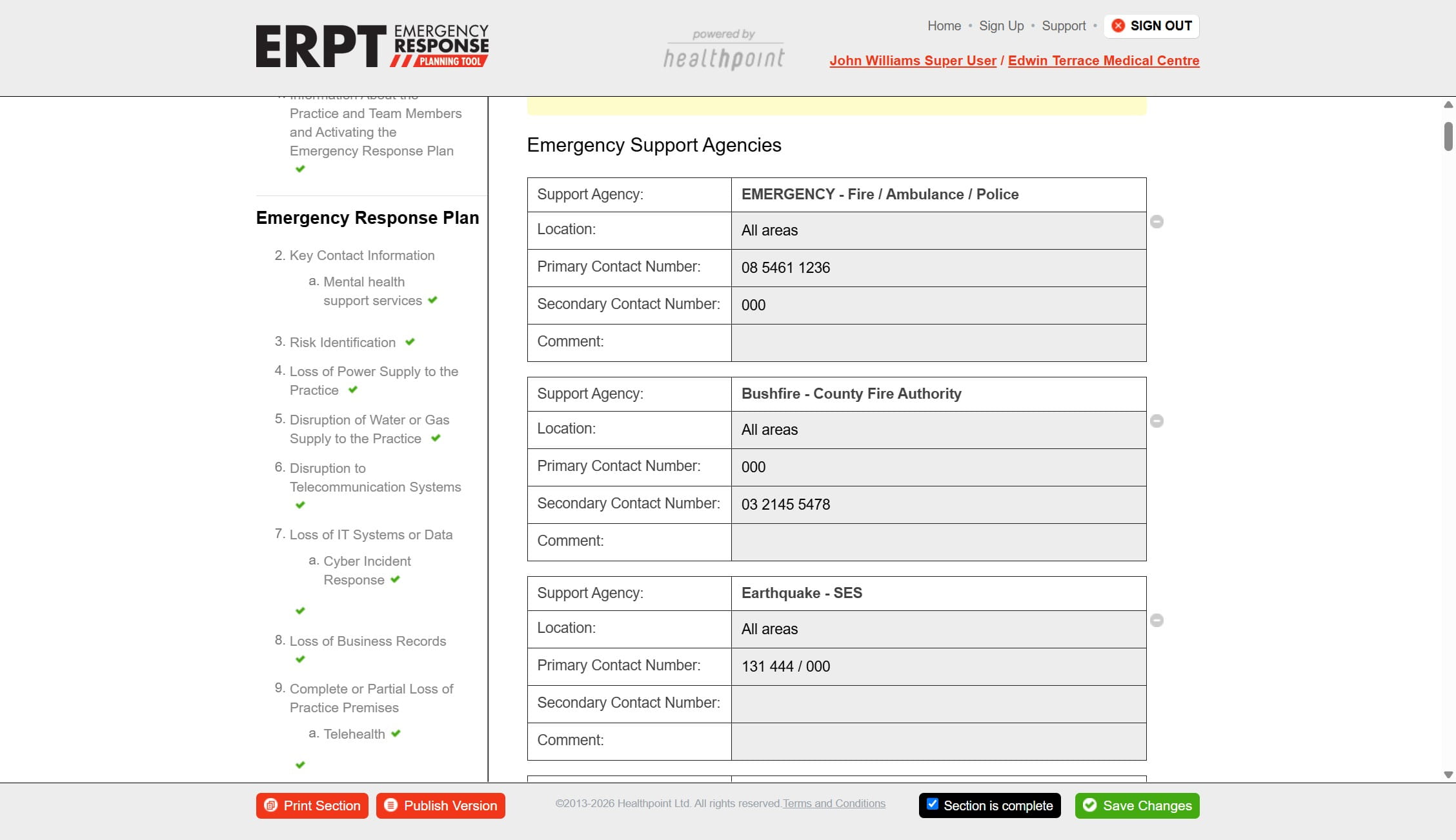
4
Click here
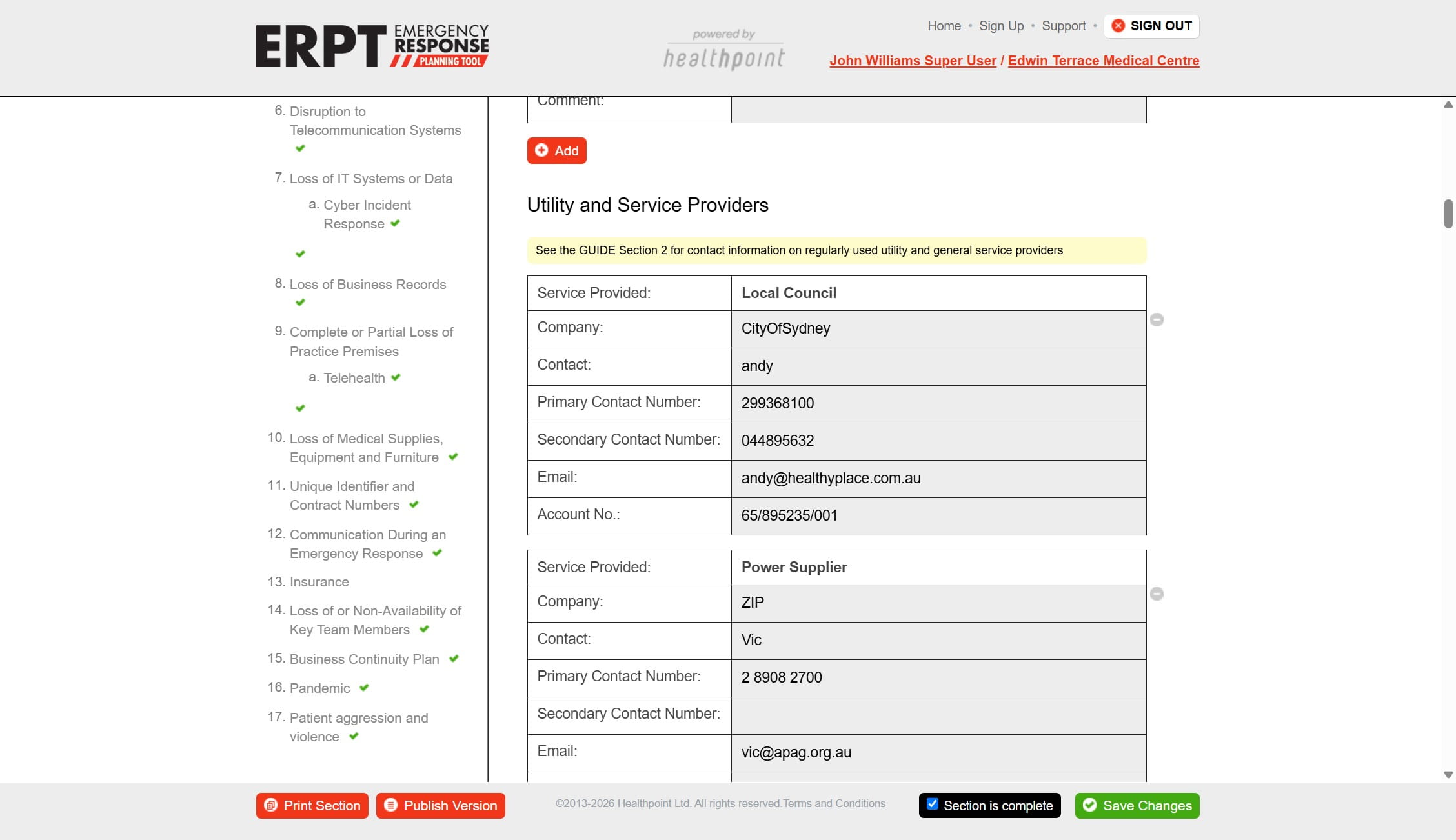
5
Click here
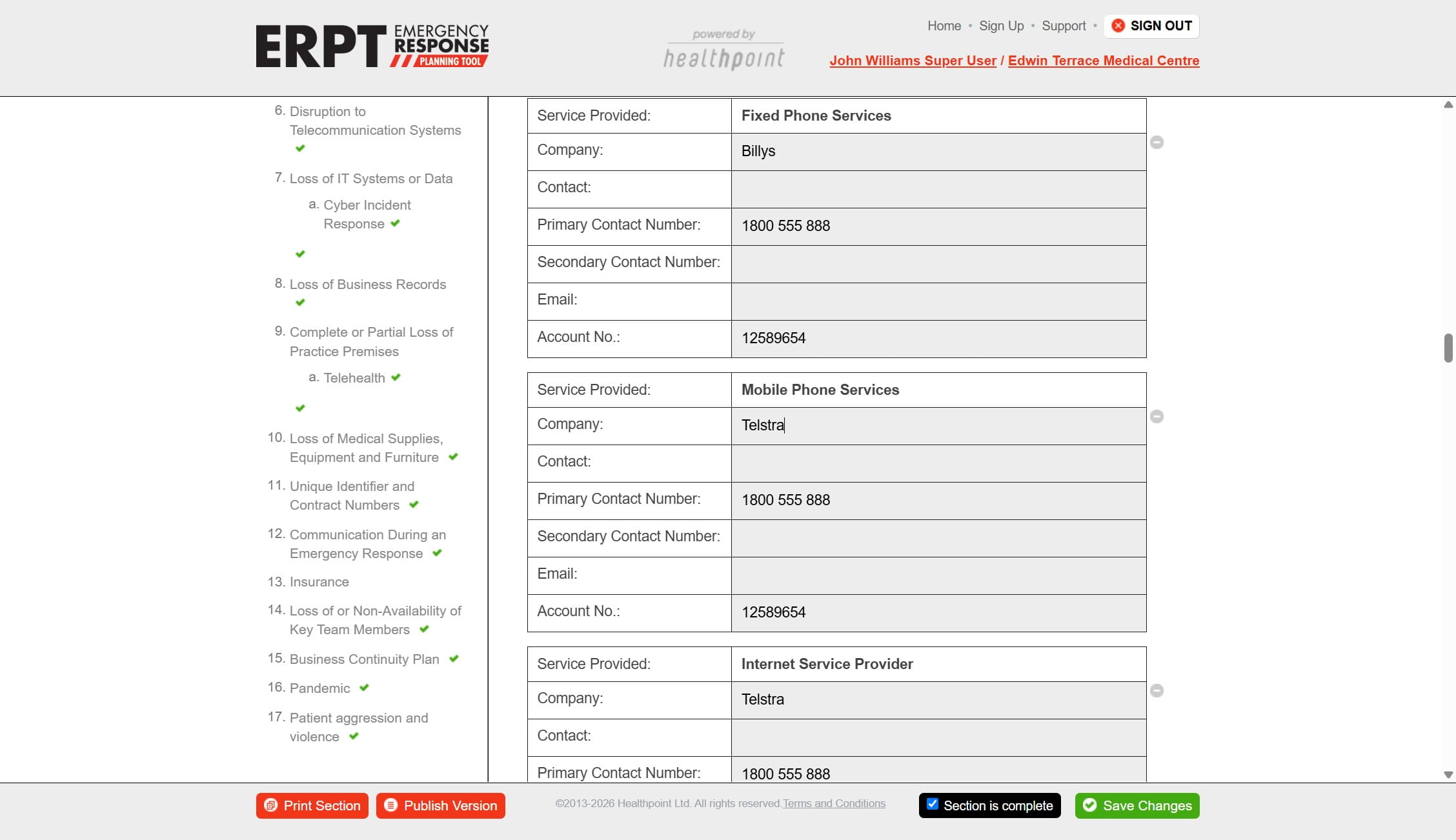
6
Click on "Save Changes"
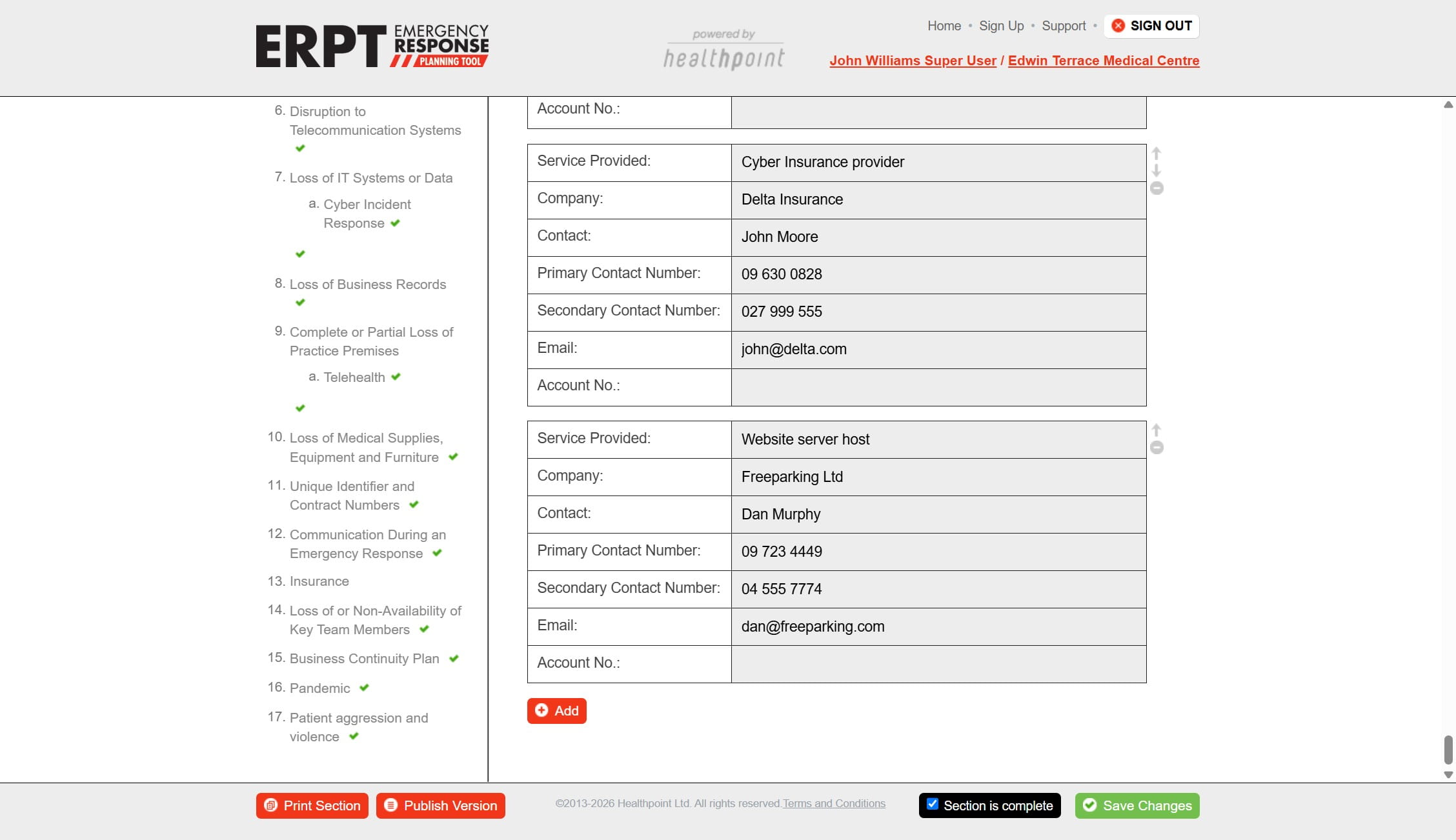
7
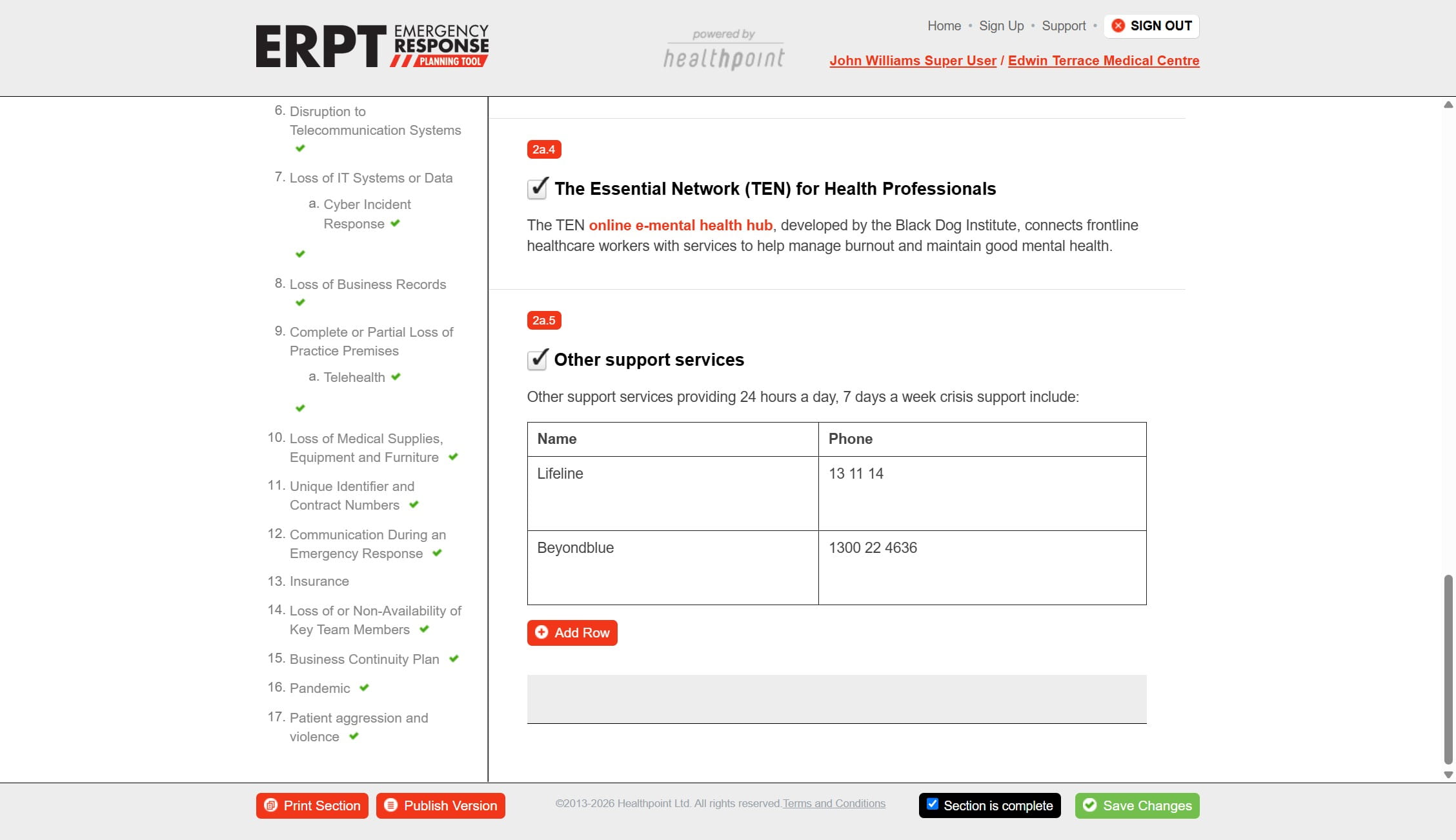
Click on "Mental health support services"
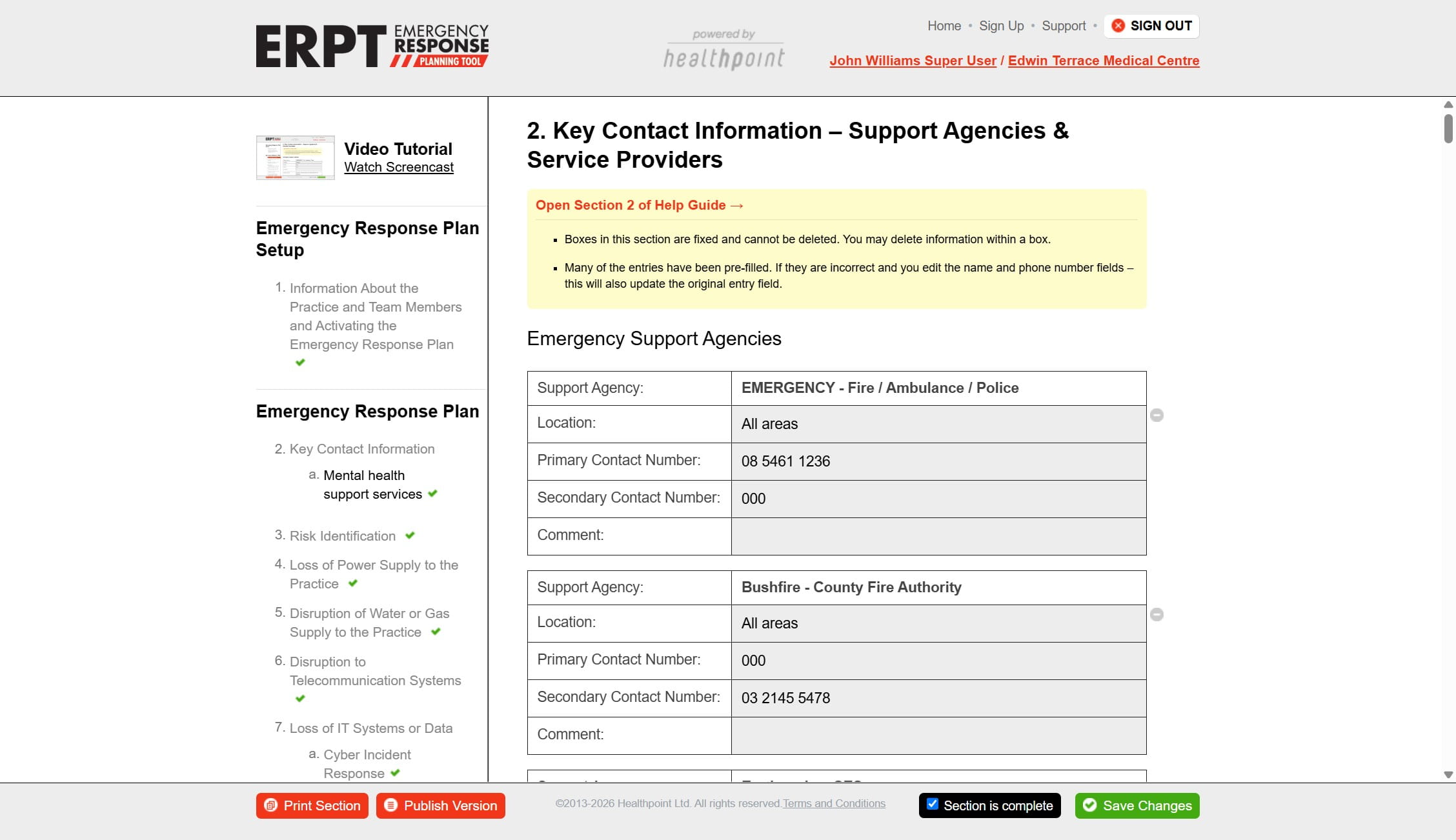
8
Done 🚀
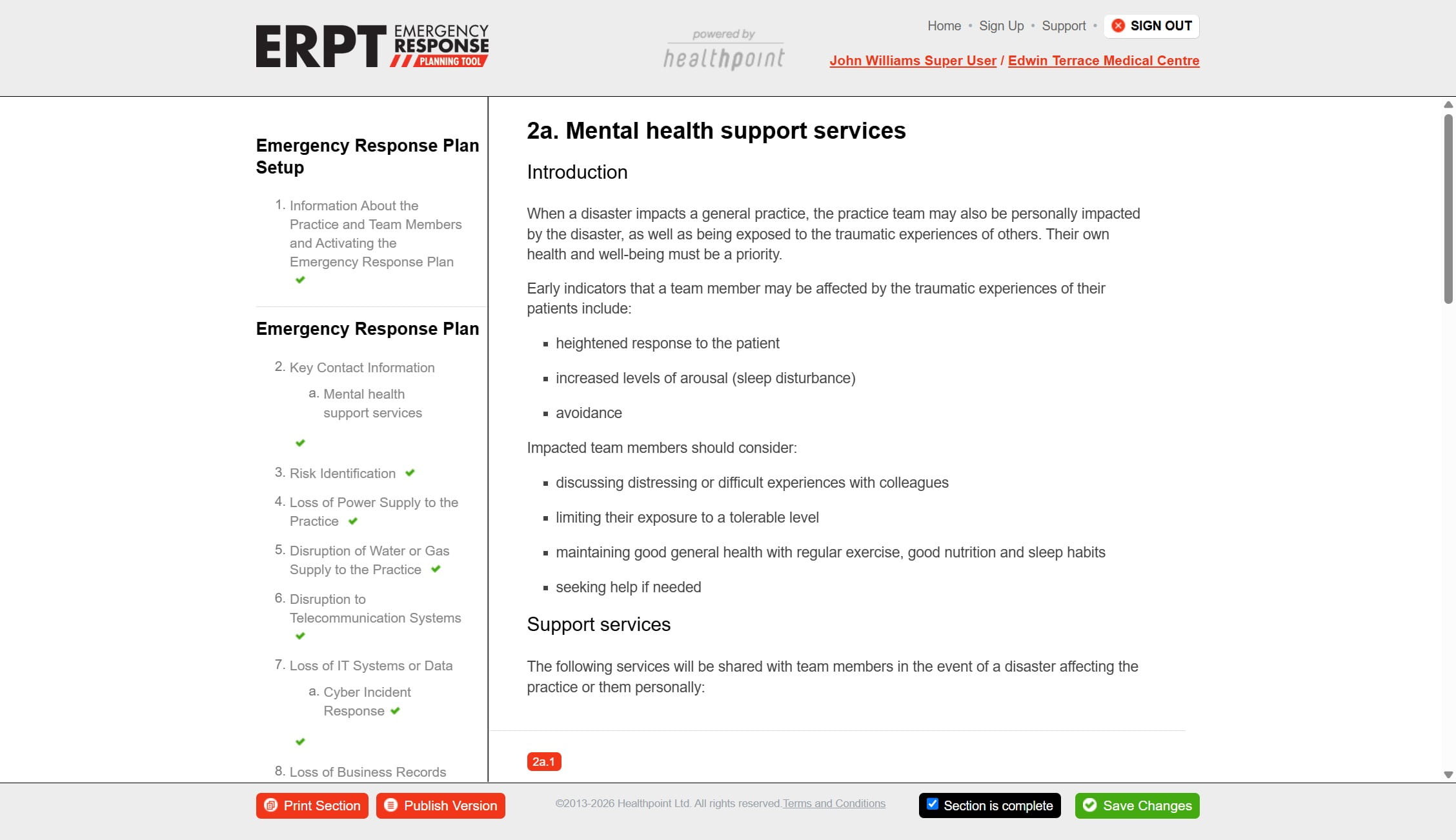
9
Click here
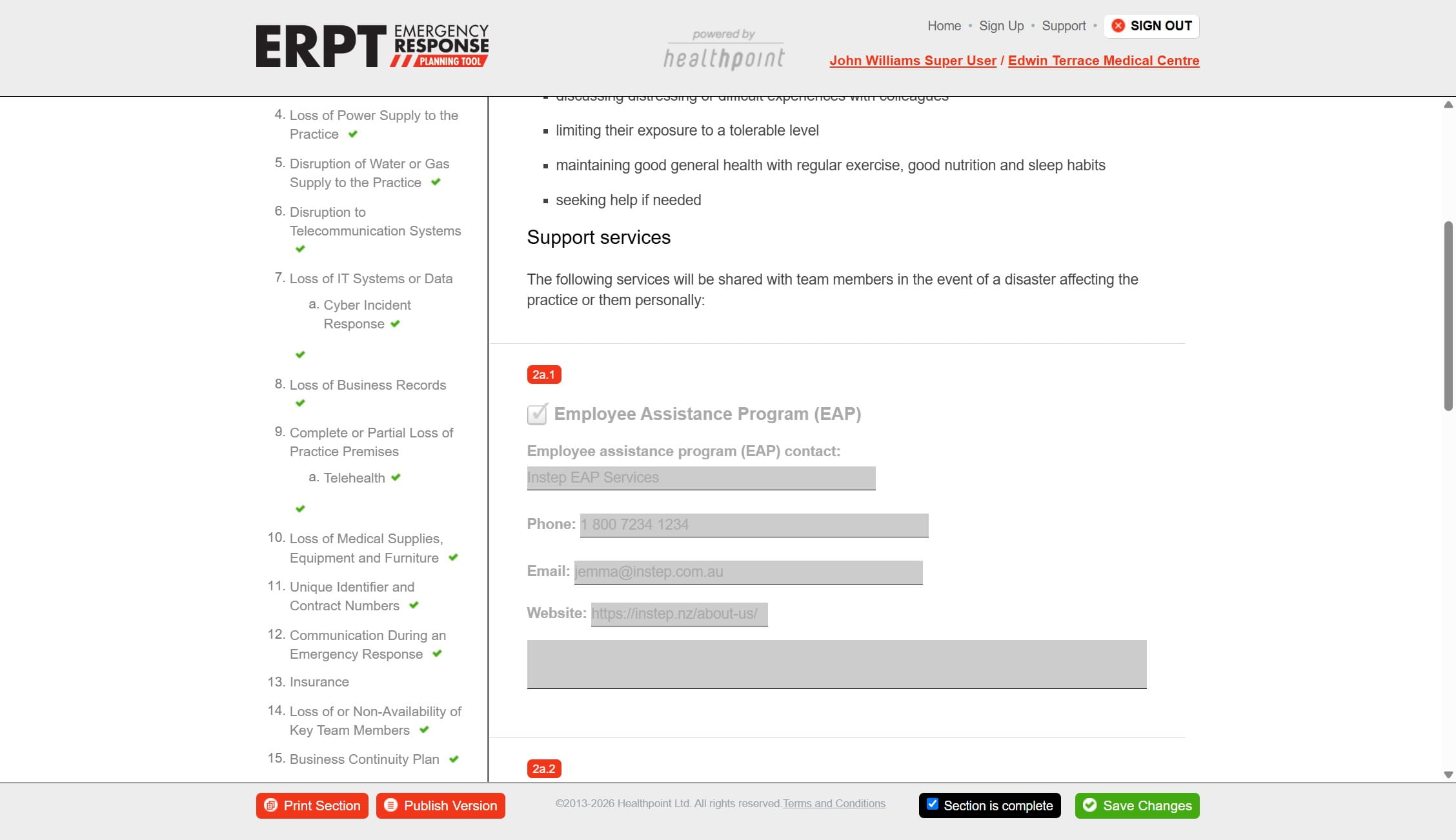
10
Click on "Save Changes"
Click on "Key Contact Information"
Click here
Click here
Click here
Click on "Save Changes"
Click on "Mental health support services"
Done 🚀
Click here
Click on "Save Changes"